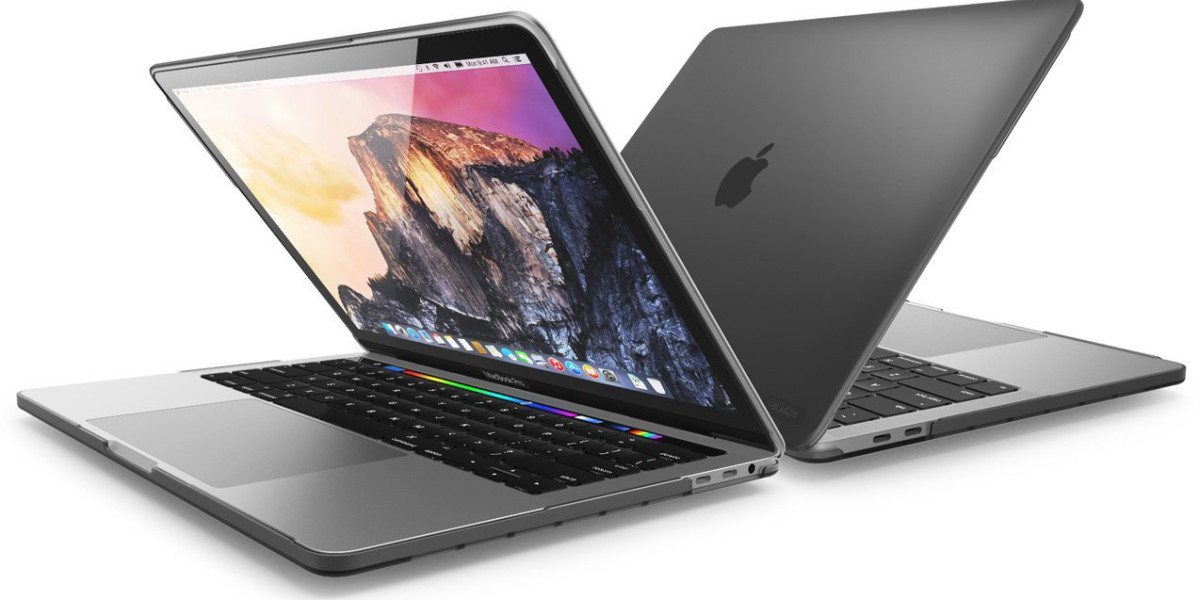

Selling your laptop online can be a smart way to earn extra cash. But one big question often comes to mind - Is It Safe to Sell Laptop Online? The short answer is yes - if you take the right precautions.
With millions of online transactions happening every day, selling electronics has become easier than ever. However, data privacy risks, scams, and payment fraud can create concerns. In this guide, we’ll walk you through everything you need to know to sell your laptop safely and confidently.
Let’s break it down step by step.
Why People Worry About Selling Laptops Online
Laptops store sensitive information such as:
Personal documents
Bank details
Saved passwords
Work files
Photos and videos
If not properly erased, this data could fall into the wrong hands. Additionally, online scams and fake buyers add to the fear.
But here’s the good news — most risks are avoidable with proper preparation.
Is It Safe to Sell Laptop Online?
Yes, it is safe to sell your laptop online — provided you:
Completely erase your data
Use secure platforms
Verify payments
Avoid sharing personal information
Online selling platforms now offer seller protections, secure messaging systems, and verified payment methods. When you follow best practices, the process is generally smooth and secure.
Step 1: Back Up Your Important Data
Before you do anything else:
Transfer files to external storage
Upload important data to cloud services
Save passwords securely
Once backed up, double-check everything before deleting files.
Step 2: Sign Out of All Accounts
This step is crucial. Log out from:
Microsoft account
Email accounts
Cloud storage
Any installed apps
Deauthorizing accounts prevents future access issues and protects your privacy.
Step 3: Perform a Factory Reset
A factory reset removes personal data and restores the laptop to original settings.
For added security:
Use built-in system reset tools
Choose the “remove everything” option
Consider disk wiping software for extra protection
This ensures your information cannot be recovered easily.
Step 4: Remove Linked Devices and Services
Disconnect your laptop from:
Bluetooth devices
Paired phones
External drives
Remote access apps
This prevents unintended access after the sale.
Step 5: Choose Trusted Selling Platforms
Selling through reputable platforms significantly reduces risk. Trusted marketplaces often provide:
Secure payment systems
Buyer verification
Dispute resolution services
Transaction tracking
Avoid unknown websites or buyers who request communication outside the platform.
Step 6: Be Aware of Common Online Scams
Here are common scams to watch out for:
Overpayment Scam
Buyer sends “extra money” and asks for refund of the difference.
Fake Payment Confirmation
Scammer sends fake bank or payment screenshots.
Phishing Links
Buyer asks you to click suspicious links for payment confirmation.
Request for OTP
Never share one-time passwords with anyone.
If something feels suspicious, pause the transaction immediately.
Step 7: Use Secure Payment Methods
The safest payment options include:
Bank transfers
Trusted online payment systems
Cash (for local meetups)
Avoid:
Personal checks
Wire transfers from unknown sources
Gift cards as payment
Always confirm funds are received before shipping the laptop.
Step 8: Meet in Safe Locations (If Selling Locally)
If meeting a buyer:
Choose public places
Consider bank premises
Avoid private home meetings
Bring a friend if necessary
Safety should always come first.
Step 9: Document the Laptop’s Condition
Before shipping or handing over:
Take photos of the laptop
Record a short video showing it working
Keep proof of specifications
This protects you in case of false claims after the sale.
Step 10: Package and Ship Carefully
If shipping:
Use bubble wrap
Secure with proper cushioning
Choose tracked shipping
Insure the package if valuable
Share tracking details with the buyer.
Additional Safety Tips
To further enhance security:
Remove stickers with personal information
Clear browser history
Delete saved Wi-Fi networks
Update the operating system before reset
These small steps add extra layers of protection.
Benefits of Selling Laptop Online
When done correctly, online selling offers:
Access to wider buyers
Better resale value
Convenience
Quick transactions
Many sellers successfully complete safe transactions every day. Preparation is the key difference between a smooth sale and a stressful one.
Frequently Asked Questions (FAQs)
1. Is it really safe to sell laptop online?
Yes, if you erase your data properly, use trusted platforms, and verify payments before shipping.
2. Can someone recover my data after factory reset?
If you use full disk wipe or system reset with “remove everything,” recovery is extremely unlikely.
3. Should I remove the hard drive before selling?
Not necessary if you securely wipe it, but some people prefer removing it for extra security.
4. How do I avoid fake payment scams?
Always verify payment directly in your bank account before handing over the laptop.
5. Is local selling safer than shipping?
Local selling avoids shipping risks, but meeting safety precautions are still necessary.
6. What payment method is safest?
Bank transfer or verified digital payment platforms are generally safest.
7. Should I include original accessories?
Yes, including charger and box increases buyer confidence.
8. Can I sell a broken laptop safely?
Yes, just be transparent about its condition and price it accordingly.
9. How long does it take to sell a laptop online?
It can take a few days to a couple of weeks depending on demand and pricing.
10. What if the buyer complains after purchase?
Keep photos and proof of the laptop’s condition to protect yourself in disputes.
Conclusion
So, Is It Safe to Sell Laptop Online? Absolutely — as long as you follow the right steps. Data security, careful communication, and verified payment methods make all the difference.
Selling your laptop online can be simple, profitable, and secure. Just prepare properly, stay alert, and use trusted platforms. With the right precautions, you can turn your old device into cash without compromising your safety.